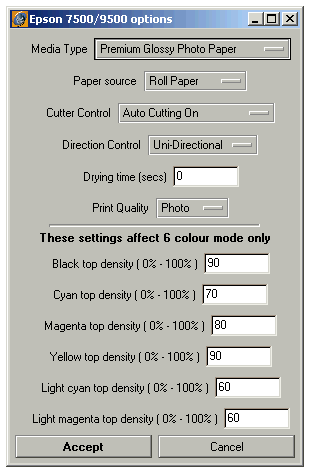
The picture below shows the new customise features that are available to the Epson 7000/9000 and 7500/9500 range of printers.
The customise features now include the ability to adjust the top density value for each of the 6 inks. The default settings are those that Serendipity found to be optimum under our test conditions. Adjust the values of the inks as necessary to achieve required density.
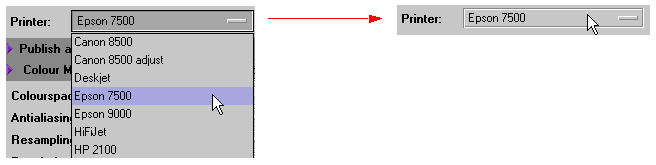
Note: If after upgrading the BlackMagic you do not see the ink density settings, then you will need to re-load the printer customise features for the Epson pagesetup. To do this, select a different printer from the list
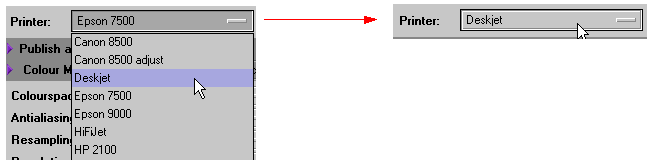
And then reselect the Epson printer again.